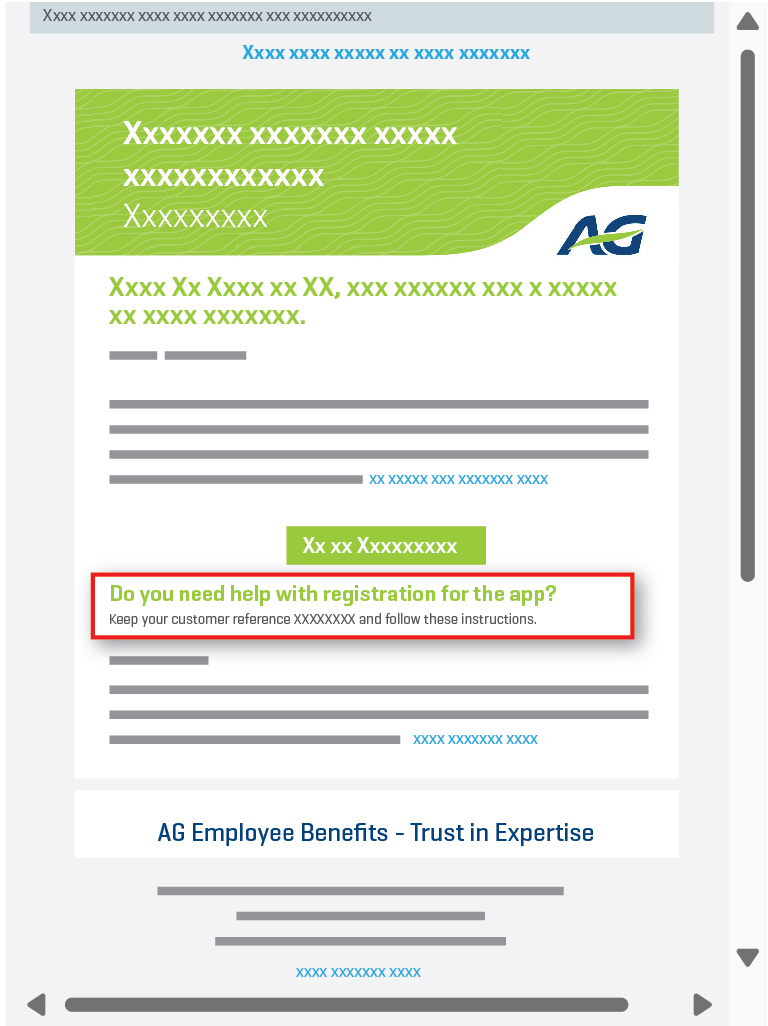
Where to Find Your Contract or File Number
You can find your contract or file number on various documents, such as your insurance policies, emails, payment notices, etc.
It is generally located at the top left or top right of the document under labels such as ‘Reference’, ‘Contract’, ‘File’, or a similar term.
However, it may also appear within the body of the document under a different label.
The number consists of groups of digits separated by special characters. Please extract only the digits in the central part between the slashes, and omit any special characters (‘/’, ‘-’, ‘.’).
You can review the examples below to help you locate it.
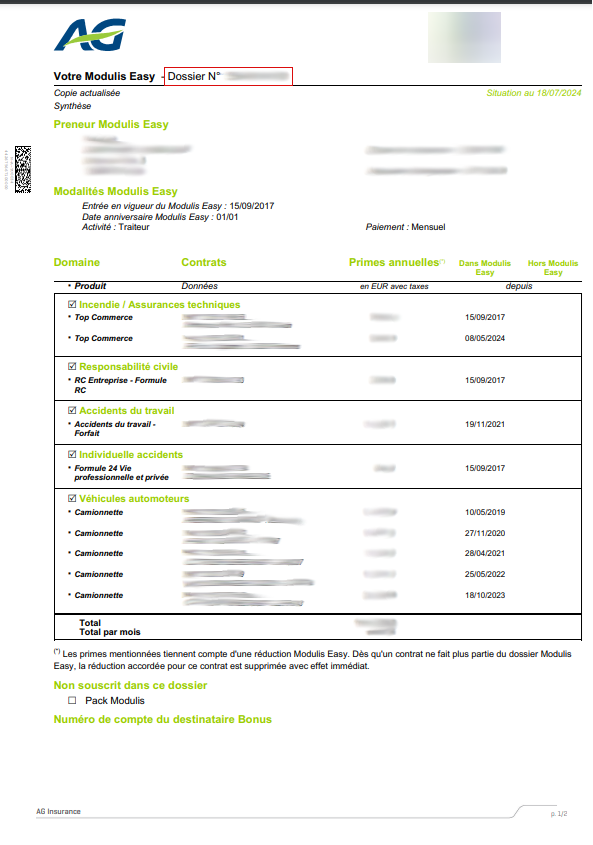
‘File No.’ at the top left
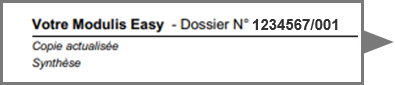
In this case, enter :
1234567
1234567
Example: ‘Reference – Contract’ at the top right
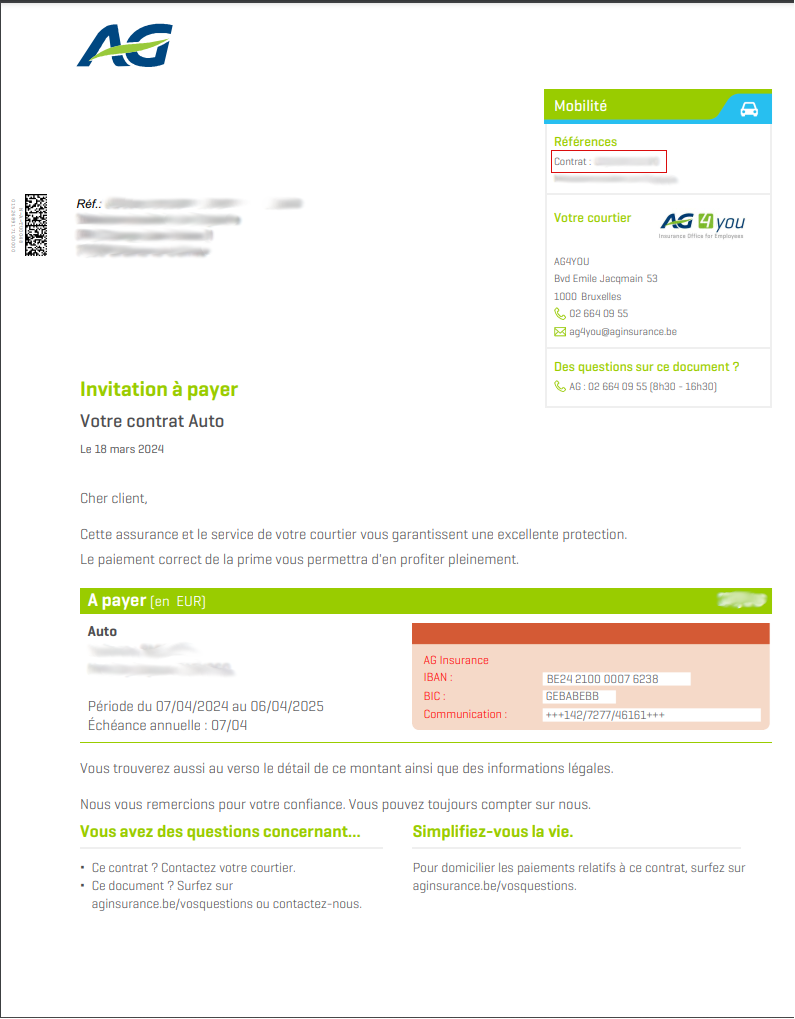
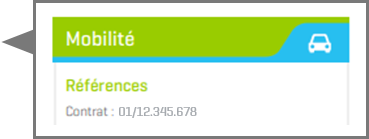
In this case, enter :
12345678
12345678
Example: ‘Contract No.’ in the body of the document

In this case, enter :
12345678
12345678
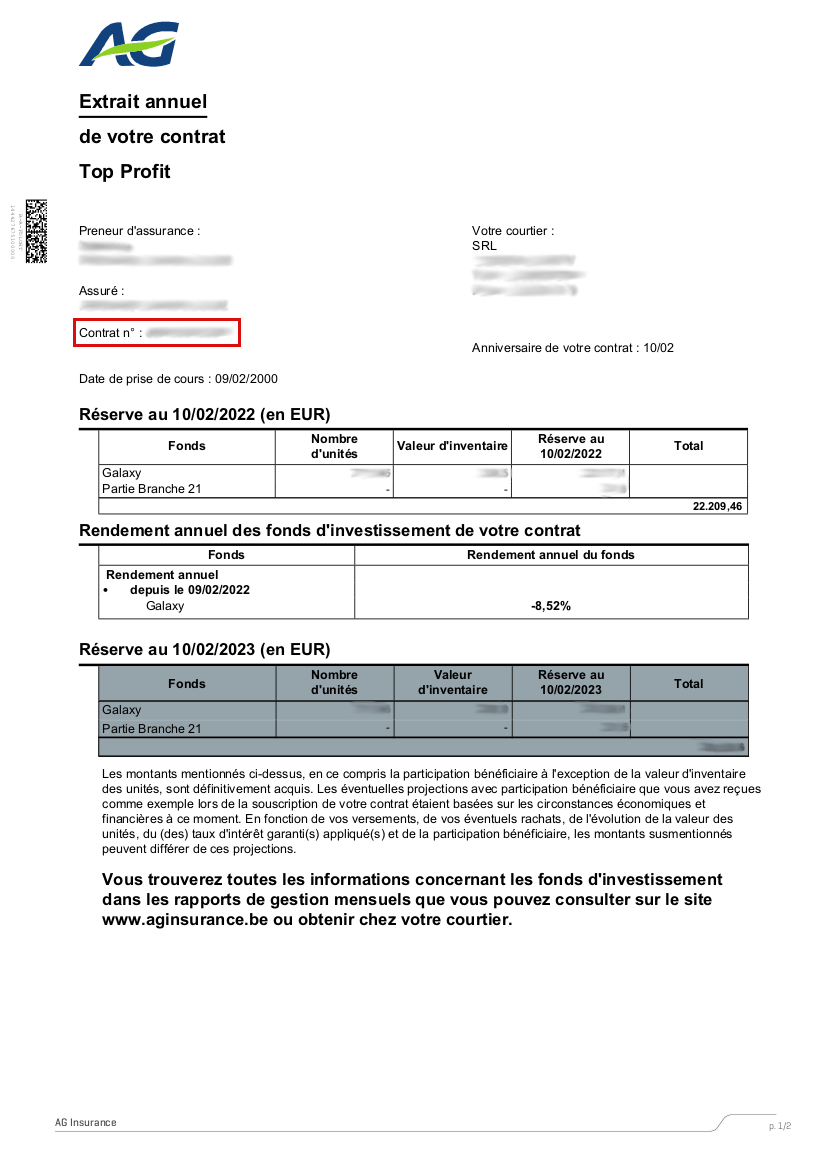
Example: ‘Policy Number’ at the top left
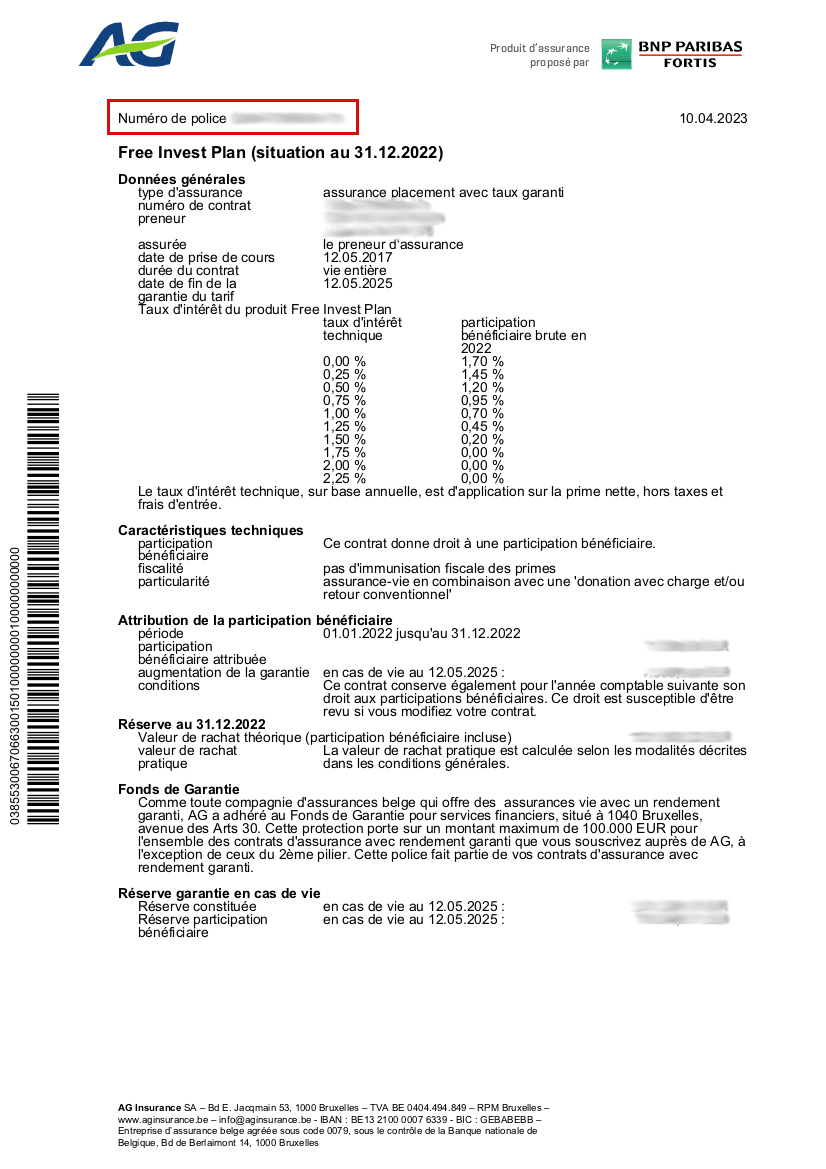

In this case, enter :
001123456701
001123456701
Example: ‘Your Contract’ at the top left

In this case, enter :
123123456712
123123456712
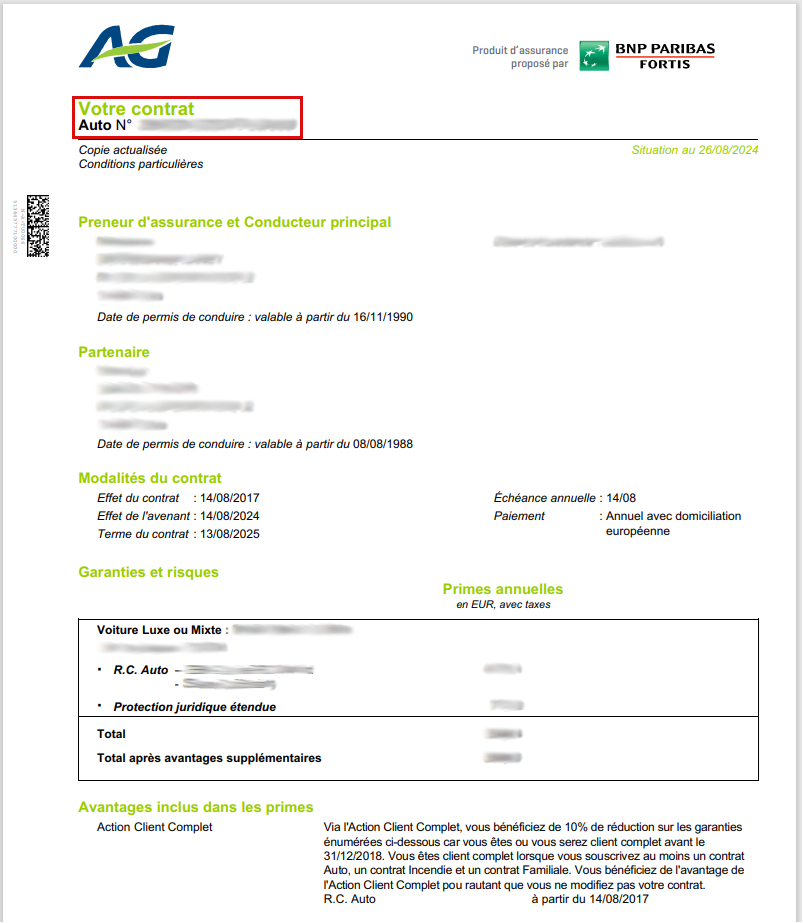
Example: ‘Customer Reference’ at the top right
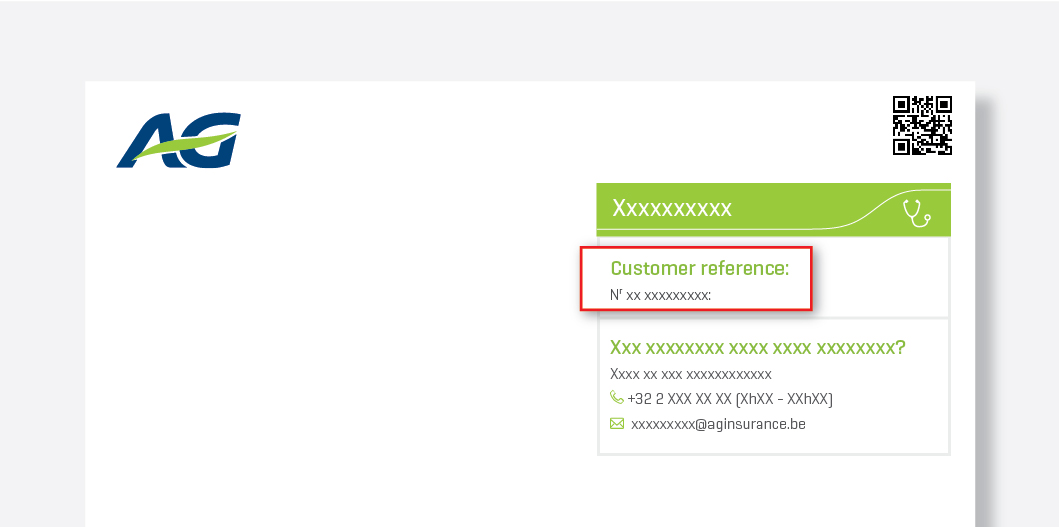
Example: ‘Customer Reference’ in the green box at the bottom of the letter
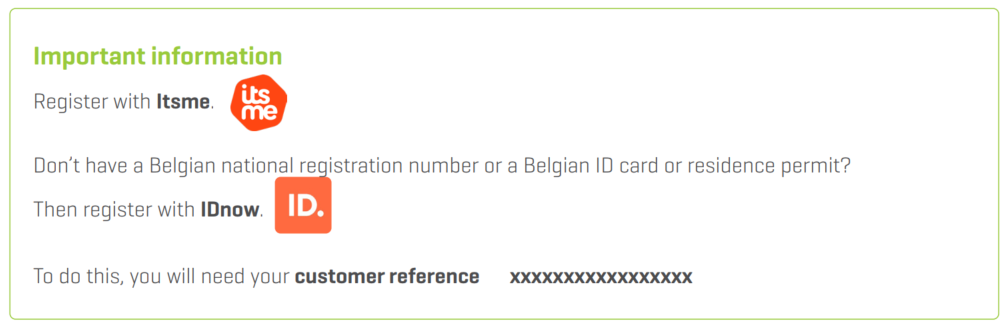
Example: ‘Customer Reference’ at the bottom of the email body